
Emails have become the backbone of modern communication, and Gmail, Google’s email service, has been at the forefront of this digital revolution. But there might come a time when you need to switch to another email account for various reasons – personal, professional, or otherwise. The good news is that moving all your Gmail emails to another account doesn’t have to be a daunting task. In this guide, we’ll walk you through the process step by step for how to move all Gmail emails to another account, and we’ll introduce you to a reliable tool that can make the transition seamless and hassle-free.
Gmail has long been a trusted and popular email service, known for its robust features, generous storage space, and integration with other Google services. It offers a user-friendly interface, powerful search capabilities, and a wide range of customization options. Many individuals and businesses have come to rely on Gmail for their email communication needs.
Possible Reasons to Switch from Gmail
- Privacy Concerns – Some users may have concerns about Google’s data collection practices and might prefer an email provider with stronger privacy protections.
- Professional Transition – Individuals changing jobs or businesses rebranding may want to switch to a different email address that aligns better with their new role or branding.
- Consolidation – Managing multiple email accounts can be cumbersome. Users might opt for a single account that integrates all their communication in one place.
- Service Features – Different email providers offer various features, and users may find that another email service better suits their needs or preferences.
How to Move All Gmail Emails to Another Account with Effective Solution
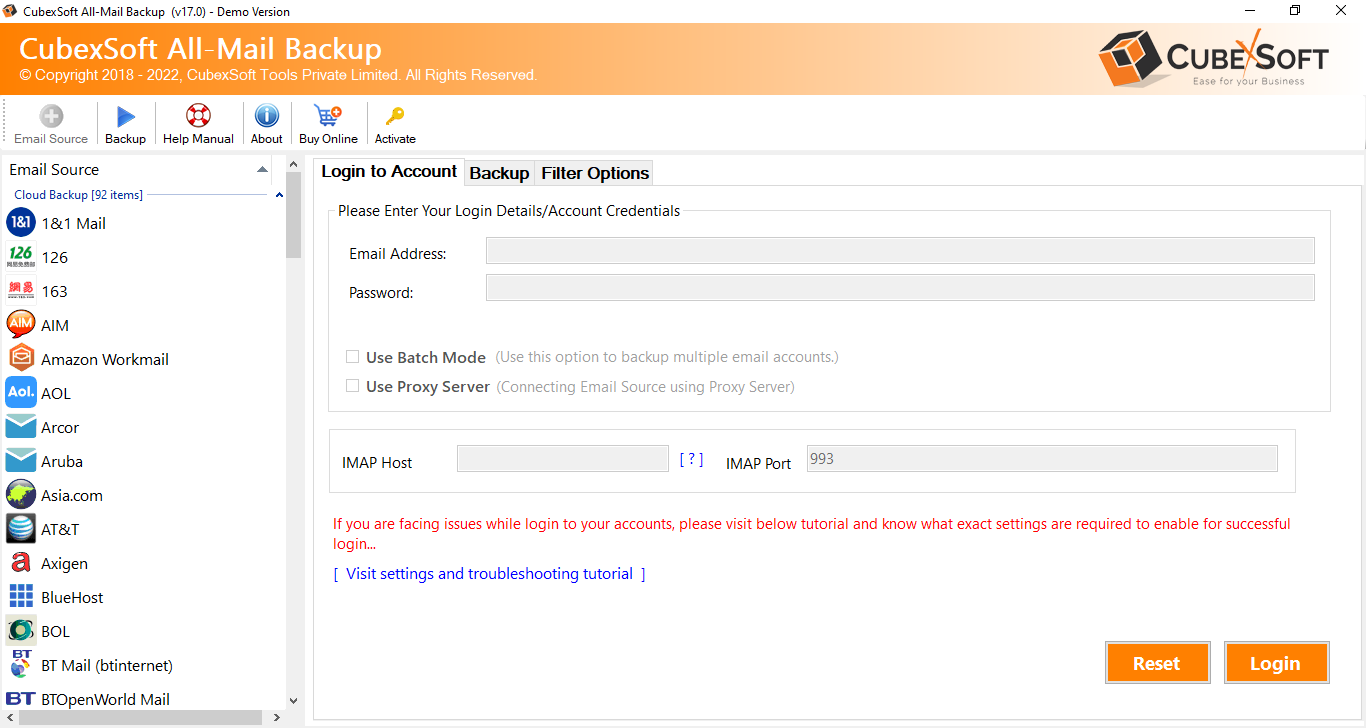
If you’re contemplating the switch from Gmail to another email account, the CubexSoft Gmail Backup Tool is an invaluable resource. This tool simplifies the process by providing a user-friendly interface and robust functionality. It allows you to seamlessly migrate all your Gmail emails, including attachments and metadata, to your new email account. With its advanced features and automation, you can ensure that none of your valuable data is left behind. Now, let’s explore how you can use this tool to effortlessly move all your Gmail emails to another account. It supports multiple advanced features that are –
- Effortlessly back up all Gmail emails and attachments.
- Preserve email metadata, including timestamps and sender information.
- Migrate emails to another account with a user-friendly interface.
- Ensure data integrity during the transfer process.
- Selectively backup Gmail emails based on criteria like date range and labels.
- Perform automated, scheduled backups for convenience.
- Save Gmail emails in various file formats for easy access.
- Reliable and efficient solution for email migration needs.
Conclusion
In conclusion, transitioning from Gmail to another email account can be a smooth and stress-free experience with the right tools at your disposal. Whether you’re switching for privacy concerns, professional reasons, or simply consolidating your communication, the Gmail migration Tool proves to be an invaluable ally to know how to move all Gmail emails to another account. Its intuitive interface, comprehensive features, and data integrity preservation ensure that none of your valuable emails are left behind. With this tool, you can confidently make the move to your new email account, knowing that your email history and attachments are securely transferred, allowing you to continue your digital journey with ease.